Your floor plan, rendered in 3D.
Upload a 2D floor plan, pick a style, and get a furnished top-down 3D render of your apartment, ready to compare, refine and download.
Try a style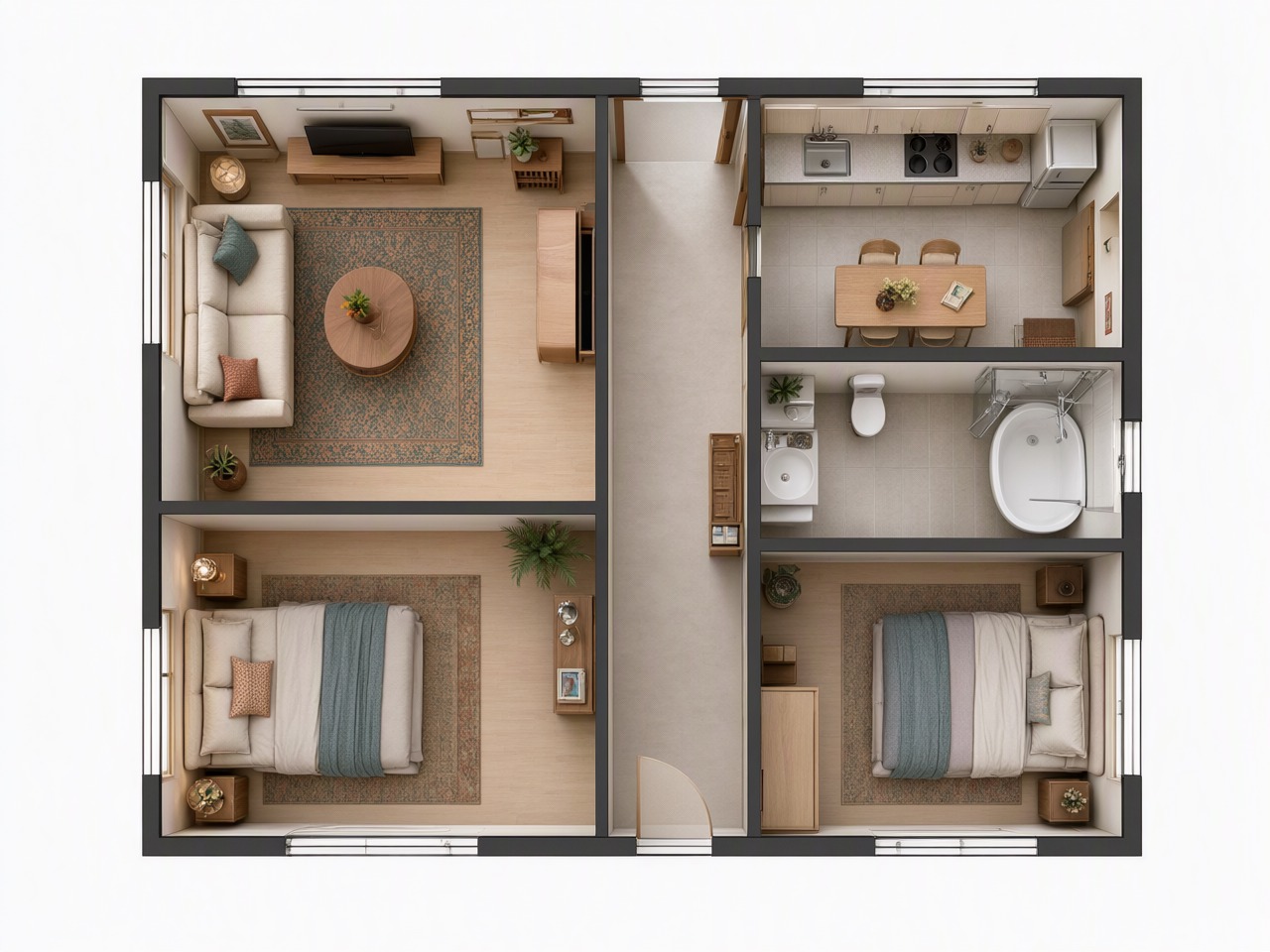
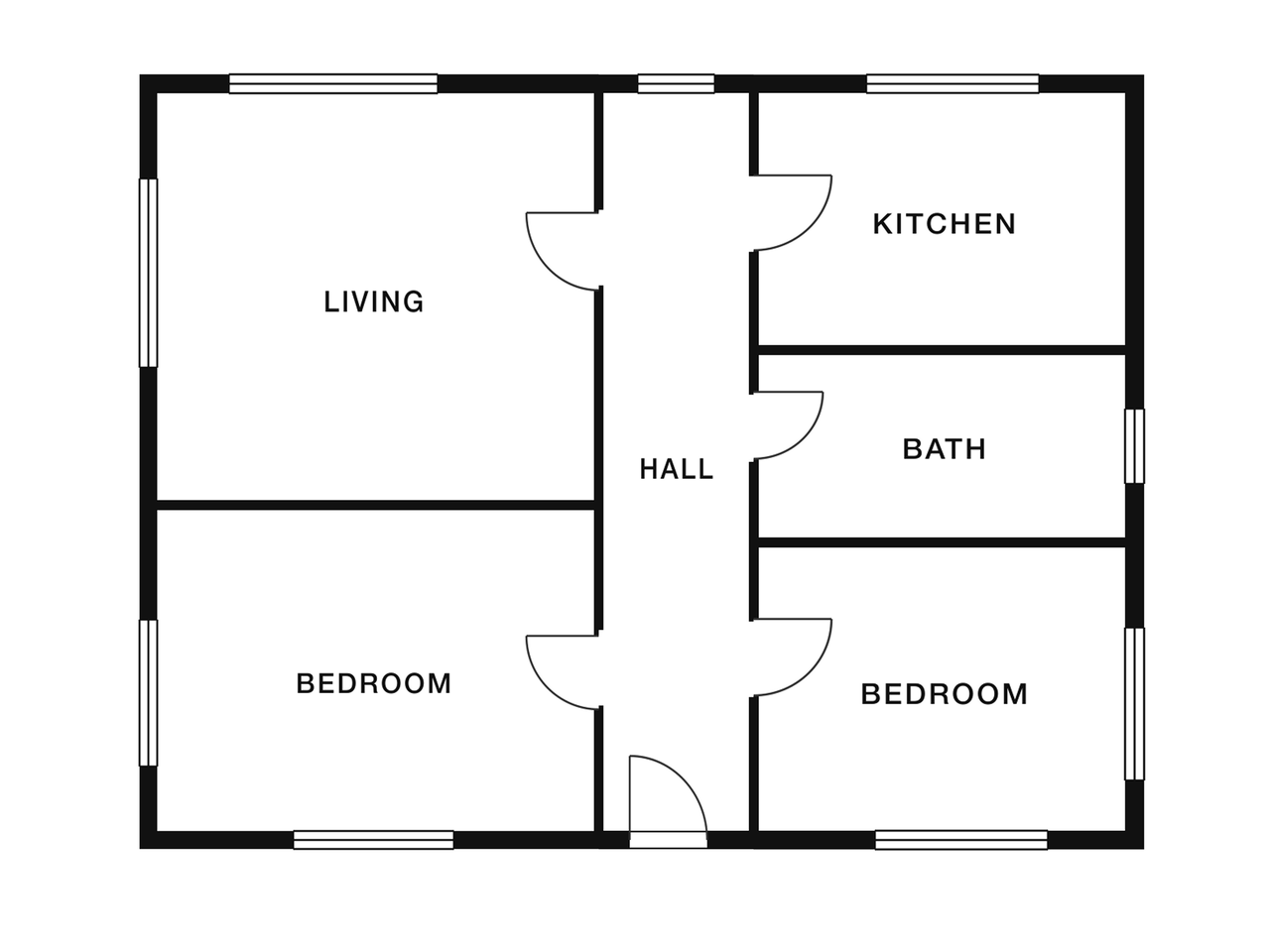
One studio for every space
Change the whole room, one object, or just the floor. Pick the job and upload a photo.
Home staging
Furnish an empty room
Exterior
Refresh the facade
Garden design
Plan a yard, patio or terrace
Replace object
Swap one piece for another
Precise edits
Keep the room, change one thing.
Three steps, one photo
- Step 1 of 3Drop a room photo
Upload a photo
Shoot the room from a corner in daylight. Any phone camera works.
- Step 2 of 3
Eclectic
Japandi
Coastal
Pick a style
Browse dozens of looks from Japandi to Art deco and preview them before you commit.
- Step 3 of 3BEFOREAFTER
Refine and download
Compare variations, swap single objects, then download in high resolution.
Try on a style before you buy a thing
Stage an empty listing without moving a chair.
Upload photos of empty rooms and furnish them in the style that fits the buyer. Download listing-ready images.
- Keeps walls, windows and floors as they are
- Several styles per room to choose from
- High-resolution images for listing sites
Start free. Go Pro when you need more.
Every account starts with 5 free generations.
Questions
Do I need a professional photo?
No. A clear phone photo taken in daylight from a corner of the room works best.
Will my room layout stay the same?
Walls, windows and doors stay where they are. Furniture, finishes and décor change with the style.
What counts as one generation?
One press of Generate. It returns up to 4 variations of your room.
Can I use designs in real estate listings?
[CONFIRM LICENSING TERMS]
How do I cancel Pro?
Cancel anytime in your account settings. Pro stays active until the end of the paid period.